Intent
The intent of iLearn2 is to help pupils become independent, creative, safe, respectful and problem-solving digital citizens with a broad and transferrable skillset. iLearn2 makes computing fun for pupils, inspiring them to develop skills beyond the classroom and building an awareness of all the opportunities the subject provides.
iLearn2’s Progression of Skills page is the suggested teaching sequence of our activity packs and the skills within them. The page also includes how the activities meet the expectations of the national curriculum programmes of study for Key Stages 1 and 2. It has been designed to make sure pupils learn computing skills from the three recognised aspects of computing (below) within each year of their primary education. This means that pupils will build upon skills and concepts they established from the previous year and develop them further in the current and subsequent year.
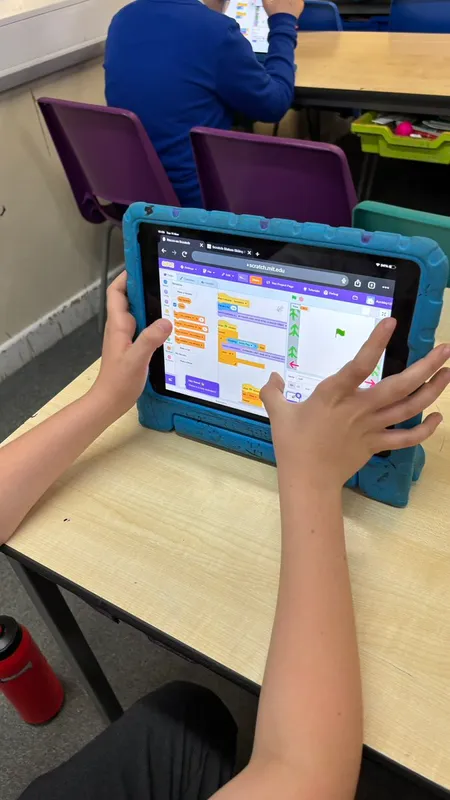
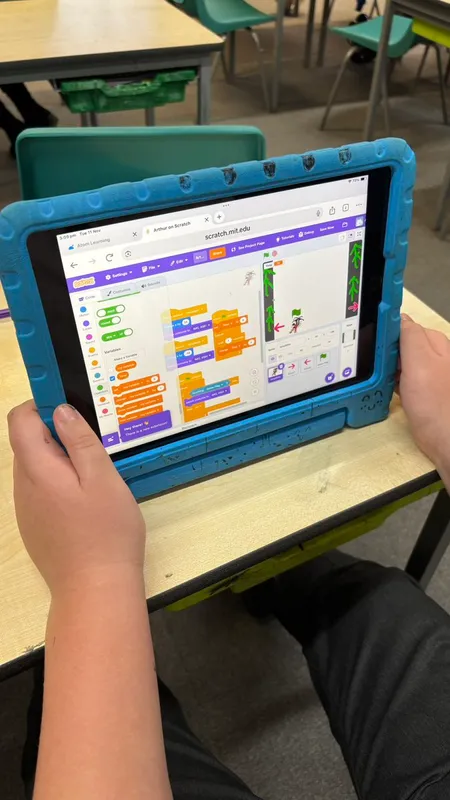
For example, pupils will learn how to program keyboard or touch screen inputs in Year 3 to control a sprite in Scratch, then develop this further into a racing game in Year 4 using conditions and variables. Before introducing random variables in Year 5 to make the game unpredictable. Also, basic ebook creation skills can be introduced in Year 2 with text and images and developed further in year 4 and 5 with the addition of hyperlinks and interactive elements.
The three aspects are:
- Computer Science (highlighted orange in the progression) – this covers programming (both block-based and text-based), including computational thinking using web-based software such as Scratch. Pupils across Key Stage 1 and 2 will write code to program physical and on-screen objects, interactive games and use text-based language, such as HTML and Python by the end of Key Stage 2, preparing for Key Stage 3.
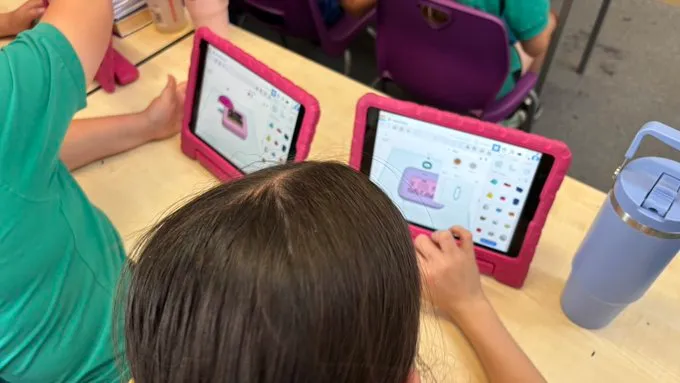
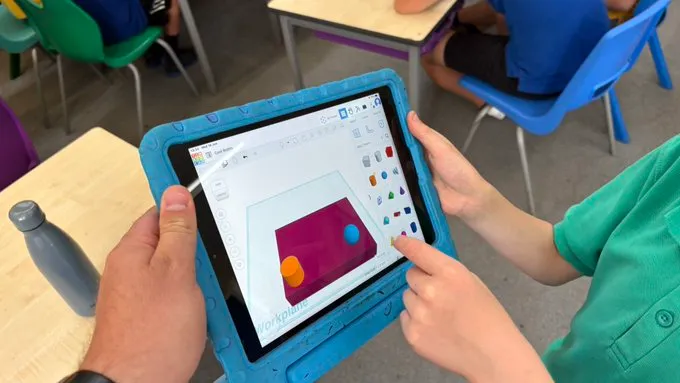
- Information Technology (highlighted purple in the progression) – this covers the use of applications to create digital content, including document creation and editing, video making, digital art, graphic design, animation, 3D modelling and website building. Each of these areas are developed over multiple year groups, culminating in the Year 6 skills.
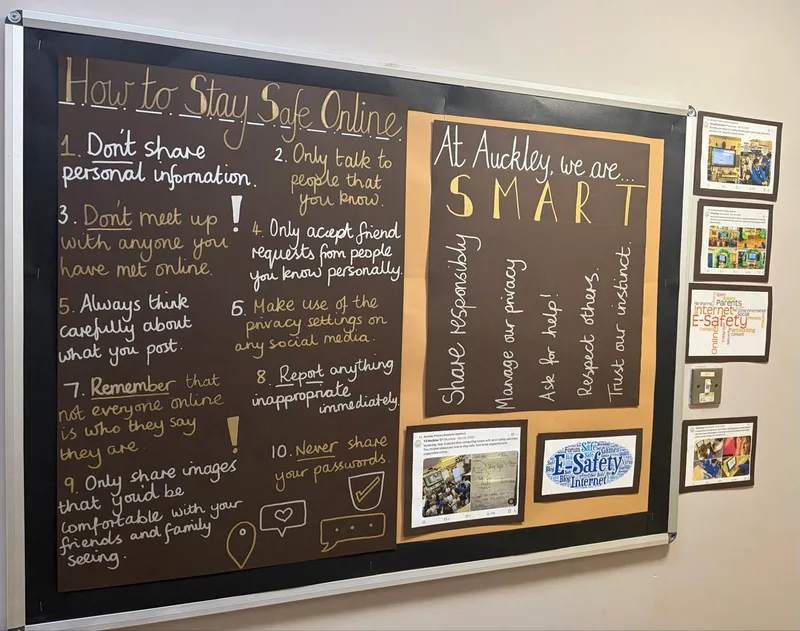
- Digital Literacy (highlighted green in the progression) – covers skills to find, evaluate, utilise and share using technologies and the Internet. This includes important e-safety and internet research skills, as well as an understanding of computer networks in Key Stage 2.
The progression also includes a suggested progression of our activity packs across 7 computing topics (Programming, Text and Image Editing, Digital Art and Design, Music and Video Editing, Internet Safety and Awareness, How do computers work and help us? and Handling Data).

Please click below to see our subject progression map.